Scenario A — illustrative
Internal operations dashboard
A team tracks work across spreadsheets and email. A dashboard consolidates the current state, shows what is overdue, and records who changed what, with roles limiting sensitive views.
BREAD FURNITURE LIMITED
IT Services & Software Engineering
breadfurniture.com
Engineering Atlas / Index 00
BREAD FURNITURE LIMITED designs, builds and maintains digital systems: software that supports real workflows, web applications people can use without training, and integrations that keep data consistent between tools.
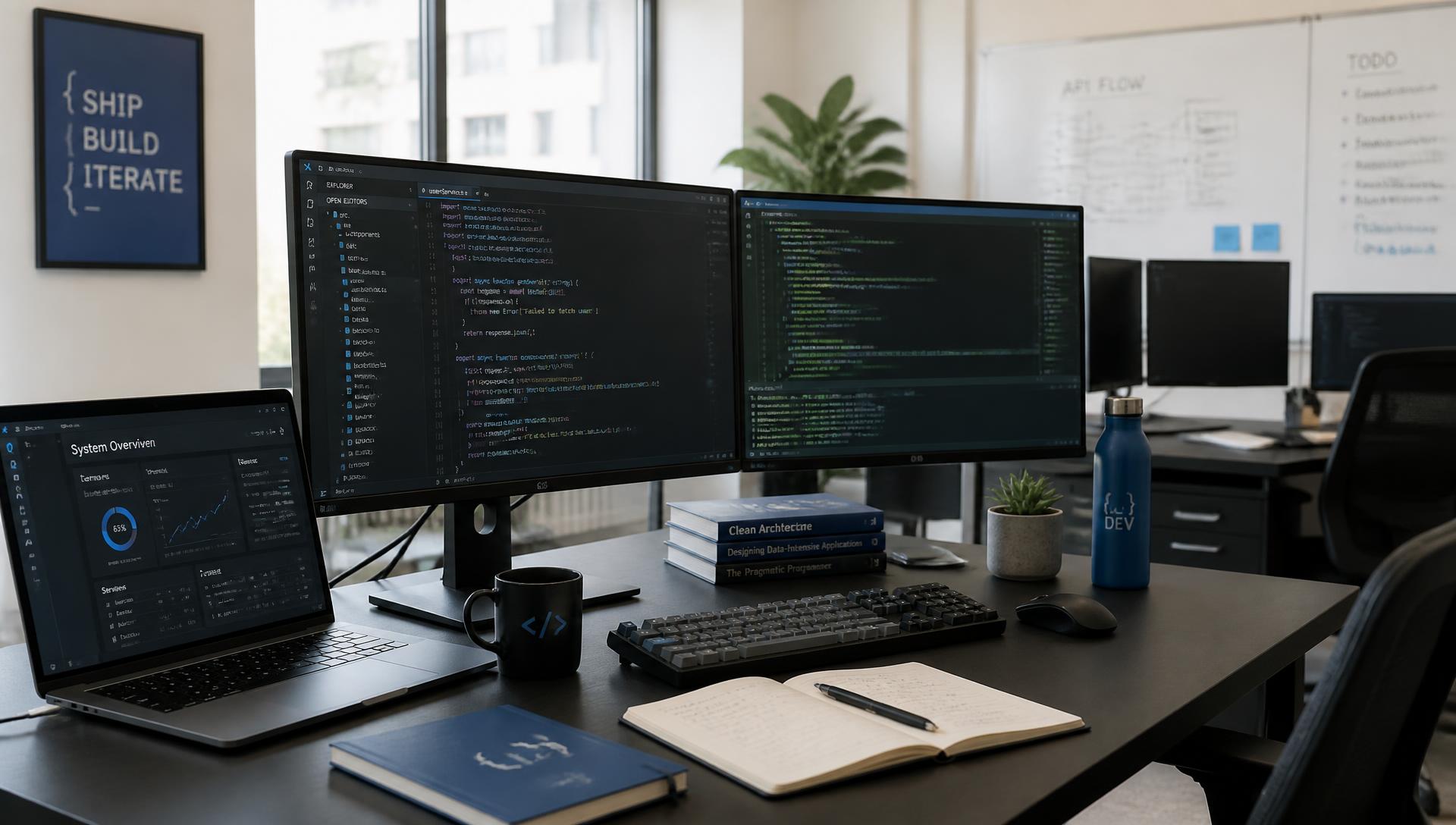
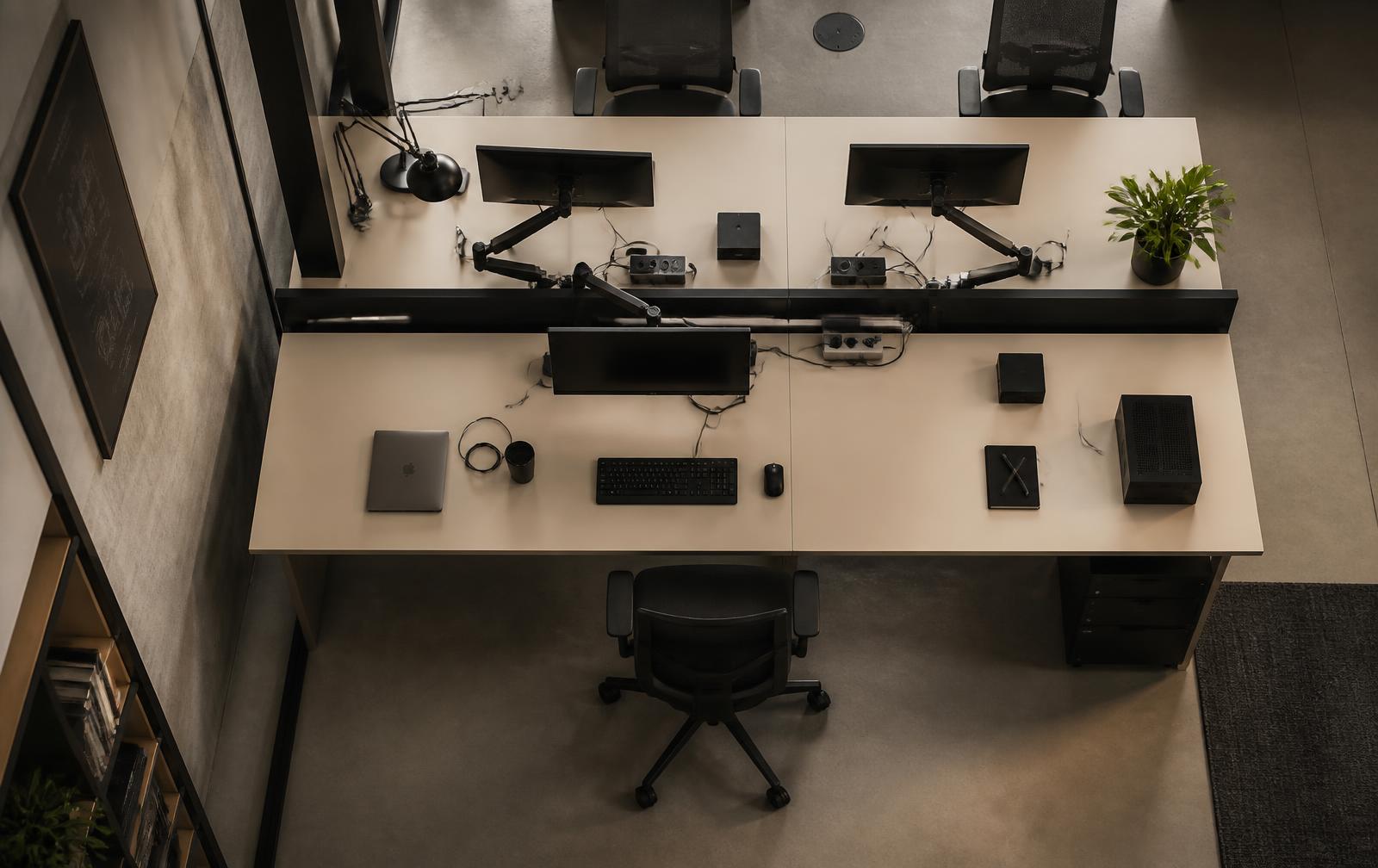
Fig. 00 — Illustrative photography of a software engineering environment. Not a depiction of company premises or staff.
BREAD FURNITURE LIMITED operates as an information technology company. Its work is software: writing it, connecting it, running it, and improving it once it is in use.
This site describes the service offering and the engineering approach behind it. It does not present a company history, headcount, or client roster — only how the work is proposed to be carried out.
Correspondence is handled by email at [email protected], and the company domain is breadfurniture.com.
Purpose-built applications and services designed around a specific workflow rather than a generic template.
Responsive, accessible interfaces with predictable behaviour across devices and browsers.
Connecting tools, APIs and data sources so information moves without manual re-entry.
Environment planning, deployment routines and operational visibility for hosted systems.
Independent review of architecture, delivery practices and technical trade-offs.
Generic tools ask an organisation to adapt to their assumptions. Purpose-built software can follow the sequence people already use: the same terminology, the same approvals, the same exceptions.
In practice this means modelling the workflow first — states, actors, permissions, and the points where things go wrong — and only then designing screens. The result is narrower than an off-the-shelf product and considerably easier to explain.
Where an existing product already fits well, saying so is part of the service. Building software that duplicates a tool a team already pays for is rarely a good outcome.

A web application is judged by how it behaves on an ordinary connection, on a small screen, and for someone using a keyboard or a screen reader. Those conditions are treated as requirements, not refinements.
Layouts are built to reflow rather than shrink. Text keeps a readable size and contrast. Interactive elements have visible focus states and meaningful labels, and content structure follows a logical heading order.
Maintainability matters as much as appearance. Components are kept small and predictable, state is held in as few places as possible, and behaviour that is easy to break is covered by tests.
Performance is treated as part of the design: measured page weight, deliberate image handling, and loading behaviour that does not shift content under the reader.
Most organisations do not lack software; they lack connections between the software they have. Records are re-entered, exports are emailed, and two systems quietly disagree about the same customer.
Integration work begins with a map: which system owns each field, how often data needs to move, and what should happen when a transfer fails. That map determines whether the answer is a scheduled synchronisation, an event-driven flow, or a shared interface.
Transfers are validated, retried where appropriate, and logged so that a disagreement between systems can be traced instead of guessed at.
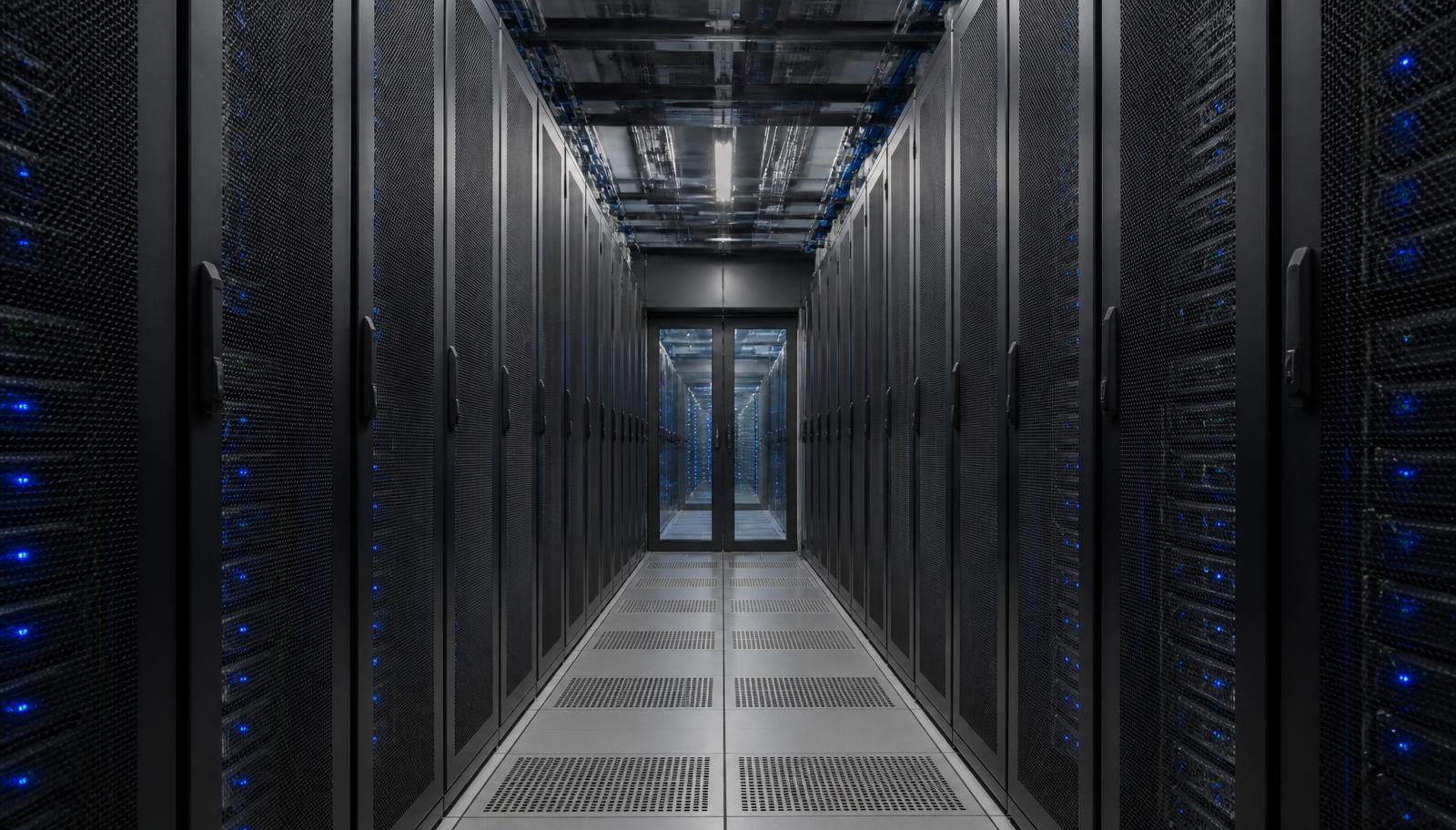
Separate development, staging and production environments with configuration held outside the codebase, so a deployment does not depend on someone remembering a manual step.
Repeatable, scripted releases with a defined way back. Changes are small enough that a problem can be identified without reviewing weeks of work.
Logging, error reporting and basic metrics decided during design rather than added after the first incident, so that questions about behaviour have answers.
Resource choices, backup expectations and recovery steps written down explicitly. No uptime or availability promises are made here — those belong in an agreement, not on a website.
A sequence, not a ceremony. Each step produces something reviewable, so direction can be corrected while it is still inexpensive.
Understand the work that needs to happen, who performs it, and where current tools create friction. Assumptions are written down so they can be challenged.
Translate findings into a scope with sequenced increments, technical constraints, and a clear definition of what is out of scope.
Shape interfaces and data models together. Screens are drafted alongside the structures behind them so both remain consistent.
Build in reviewable increments, keeping the system runnable throughout rather than integrating everything at the end.
Validate behaviour with automated checks and structured manual review, including edge cases and failure paths.
Observe how the system behaves in real use, correct what is unclear, and plan the next increment from evidence.
Code and data structures should be readable by someone who did not write them. Naming, boundaries and control flow are treated as part of the deliverable.
Responsibilities are separated so that a change in one area does not require rewriting unrelated parts of the system.
Dependencies are chosen conservatively, configuration is explicit, and documentation is written while the reasoning is still fresh.
Growth paths are considered early — where state lives, how load is distributed — without prematurely building for scale that may never arrive.
Testing is treated as a way of describing intended behaviour, not as a metric to report. Automated checks concentrate on logic that is easy to break silently: calculations, permissions, data transformations, and integration boundaries.
Manual review covers what automation reads poorly — whether a screen makes sense, whether an error message tells someone what to do next, whether the flow holds together on a small screen.
Code review is part of the routine rather than a gate at the end. Every change is read by someone other than its author, with attention to clarity as well as correctness.
Typical checks
Security is approached as a set of engineering habits: validating input at boundaries, granting the narrowest useful permissions, keeping secrets out of source control, and patching dependencies deliberately rather than reactively.
Sensitive data is identified early so that storage, access and retention can be decided rather than inherited. Authentication and authorisation are treated as server-side concerns; interface state is never the thing that protects a record.
No certifications, audits, or guarantees of protection are claimed. Security is continuous work, and specific obligations belong in a written agreement.
The following are illustrative scenarios written to show how the approach would be applied. They are not completed client projects and do not describe any actual customer.
Scenario A — illustrative
A team tracks work across spreadsheets and email. A dashboard consolidates the current state, shows what is overdue, and records who changed what, with roles limiting sensitive views.
Scenario B — illustrative
Customers request status updates by phone. A portal exposes their own records, documents and request history behind authentication, reducing repeated manual answers.
Scenario C — illustrative
Several systems hold overlapping data. A middle layer synchronises records on a schedule, validates payloads, retries failures, and logs every transfer for review.
Communication is written by default. Decisions, open questions and changes of direction are recorded where they can be found later, with shorter conversations used to resolve ambiguity quickly.
Documentation accompanies the work: what the system does, how it is configured, and which assumptions it depends on. It is written for the person who will maintain the system, including someone new to it.
Feedback is invited at each increment rather than collected at the end, and alignment is checked against the original problem — not only against the last agreed specification.
The company offers IT services: custom software development, web application development, API and systems integration, cloud and infrastructure planning, software maintenance, and technical consulting.
No. Despite the registered name, the work described on this site is information technology and software engineering.
Work is organised into discovery, planning, design, development, testing, and ongoing improvement, delivered in reviewable increments rather than a single handover at the end.
Technology choices follow the problem rather than a fixed stack. Selections are discussed openly, including the maintenance implications of each option.
Through automated tests where they add durable value, structured code review, and manual verification of important paths, including error and edge-case behaviour.
By email at [email protected]. A short description of the current process, the outcome you want, and any known constraints is usually enough to begin.